

DEFECTECH INSPECTOR BASELINE
Every Defect.
Zero Desk Time.
Inspector Baseline turns defect photos into
approved AI descriptions and polished PDF
reports before you finish your site inspection.
Featured in Forbes Australia
SXSW Sydney 2025 Finalist


The current inspection loop
Today’s workflow
loses context between
the site and the report.
Inspector Baseline keeps the evidence, AI draft,
approval and final PDF in one connected flow — so
the report is not a second job after the inspection.
Before: photos, notes and report writing live in separate places.
The drive back becomes a memory test.
After: capture, approve, export.
How Inspector Baseline works
Three steps from defect
photo to finished report.
Each stage stays simple on site: capture the issue, review
the AI-written finding, then export the client-ready PDF.
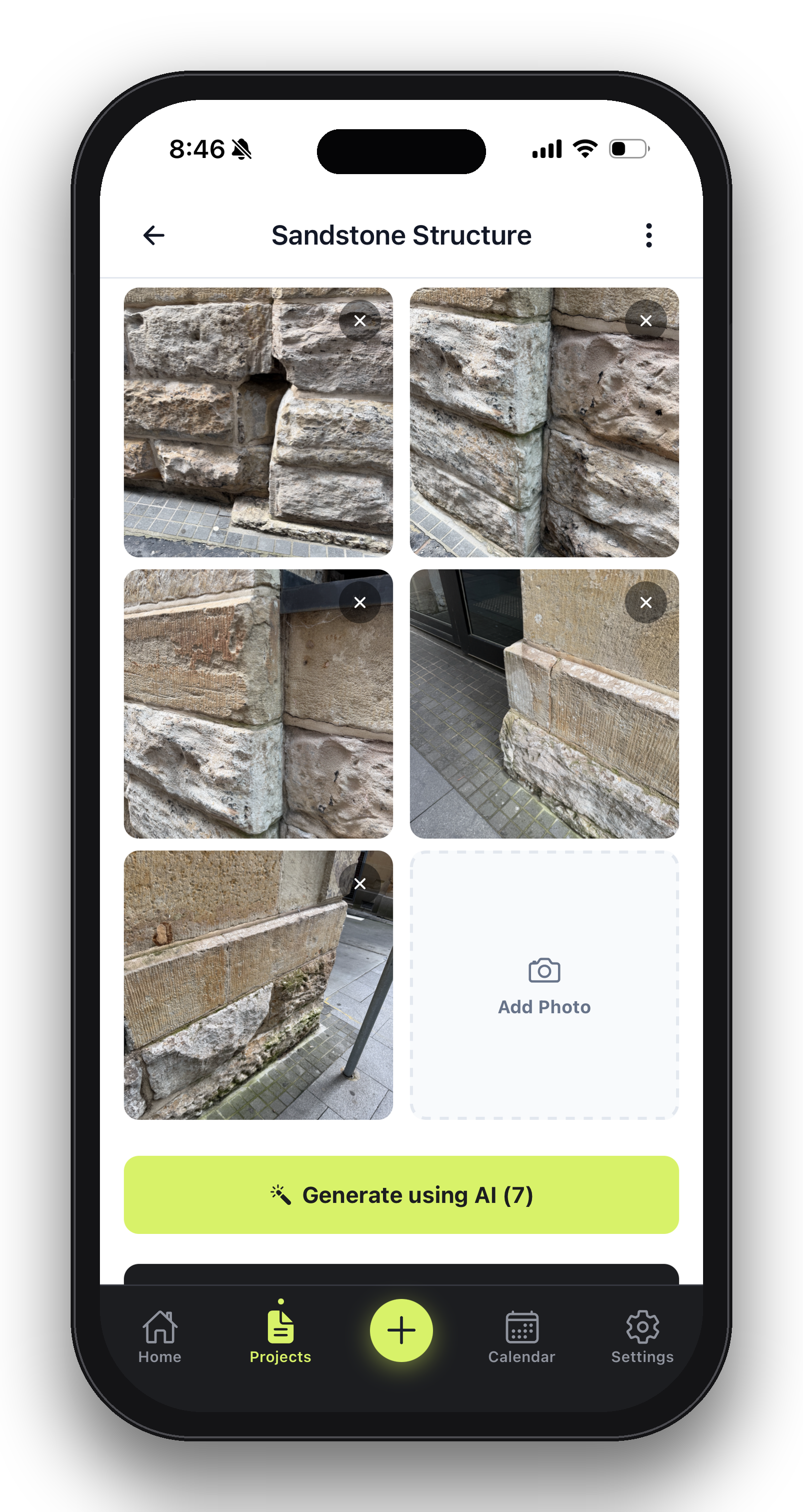
01 / Photograph
Capture the defect where it happens.
Open the iPhone app and photograph cracks, spalling, corrosion, water damage or any visible condition issue.
02 / AI writes
Approve the generated description.
AI drafts type, affected surface, severity and key characteristics. The inspector reviews, edits if needed, then approves.

03 / Export PDF
Send a formatted report before leaving.
One tap exports a professional PDF with annotated photos, approved findings and consistent client-ready formatting.
Inspector Baseline
See what leaves the
site with the inspector.
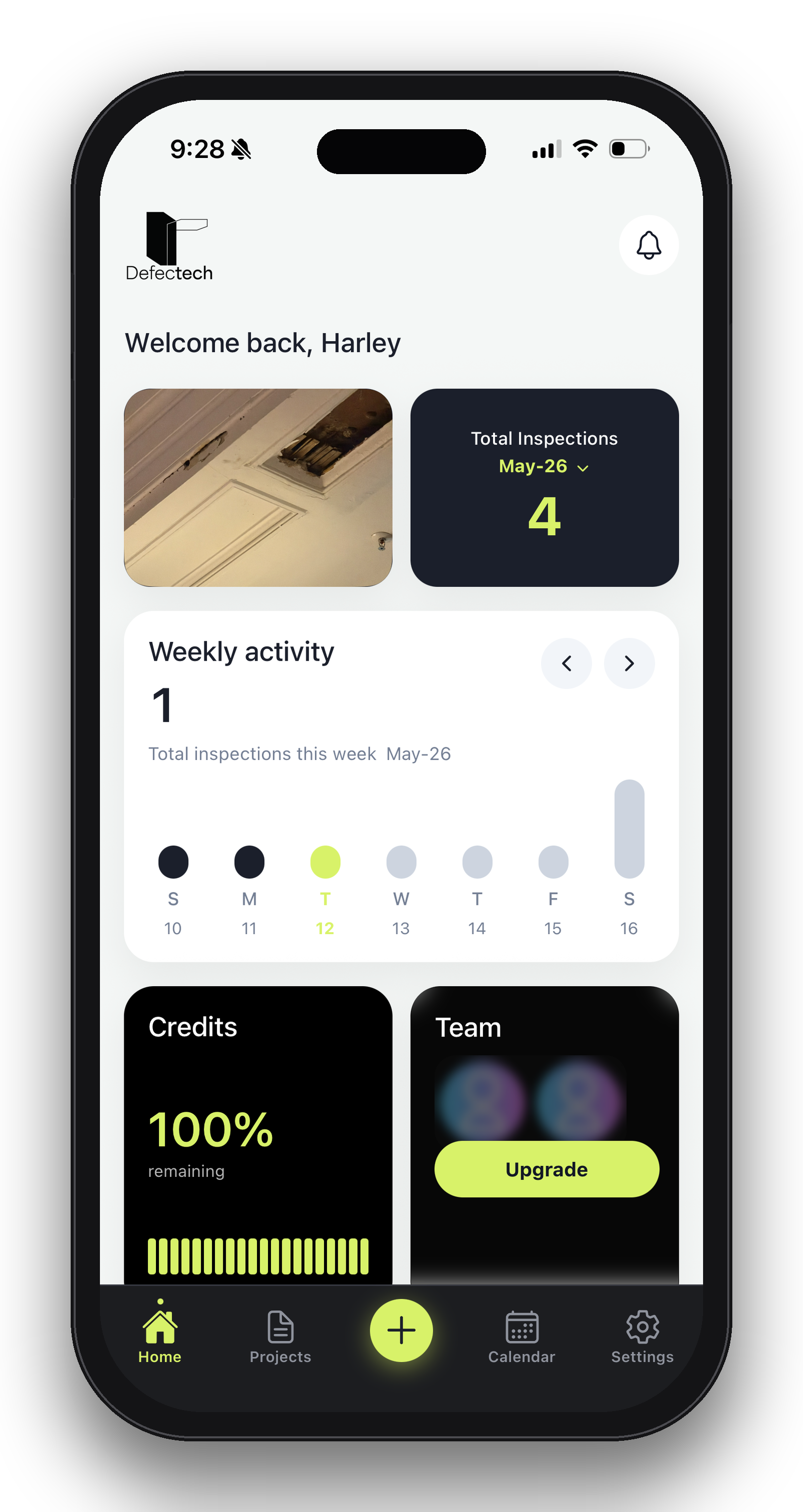
A Baseline report brings annotated photos, approved findings, severity notes and inspection context into one client-ready PDF.

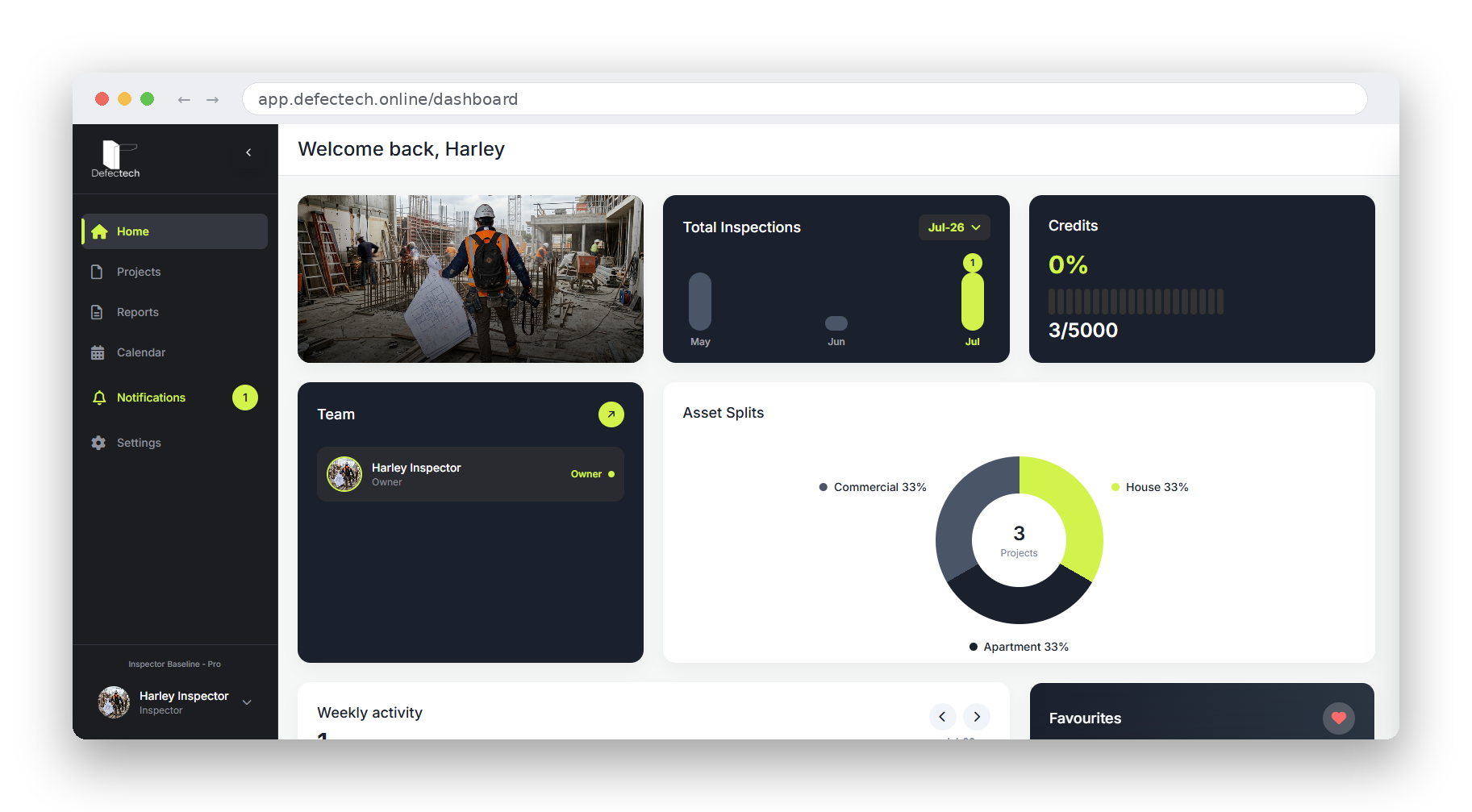
Advanced & Affordable Asset Storytelling
Streamline your asset inspections with tools designed for speed and precision





Start with one inspector.
Scale when the team joins.
Limited-time founding pricing. Credit card required at sign-up.
Field feedback
“Defectech has made site inspections faster. The photo workflow and report outputs are simple, clear, and very professional.”
Aby - Building Inspector
Field feedback
“The annotation tools and audit trail are useful. It helps us document issues properly and communicate them clearly to clients.”
Patrick - Heritage Specialist
Field feedback
“Setup was straightforward and the team picked it up quickly. It reduced friction in our reporting process.”
Michael - Building Inspector
Frequently Asked Questions
Yes. Sign up at baseline.defectech.online to choose your plan, then log in to the iOS app to get started. The whole process takes under two minutes.
Yes. Data is encrypted at rest and in transit. Your information is private by default, with control restrictions, and securely hosted on Australian servers with trusted providers.
We offer flexible monthly or annual subscriptions. Payments are securely processed via Stripe, and you can upgrade, downgrade, or cancel at any time from your dashboard.
After you photograph a defect, our AI analyses the image and generates a text description — defect type, affected surface, and key characteristics. You review it, edit if needed, and approve before it's saved. The AI assists; you stay in control.
Yes. Inspector Baseline works fully offline — capture photos, record voice notes, and annotate defects without any signal. Everything syncs automatically when you're back online.
Not on a single login — each team member needs their own seat. The Team plan gives you discounted additional seats, with all projects shared across the team in one place.